What to Do After GBP Reinstatement: Post-Recovery Best Practices
What to Do After GBP Reinstatement: Post-Recovery Best Practices
Congratulations—your profile is reinstated! But the work isn’t done. What you do in the days and weeks after reinstatement determines whether you stay compliant or face another suspension. Our compliance support guidance helps businesses navigate this critical period.
Immediate Actions (First 24-48 Hours)
1. Verify Everything Is Working
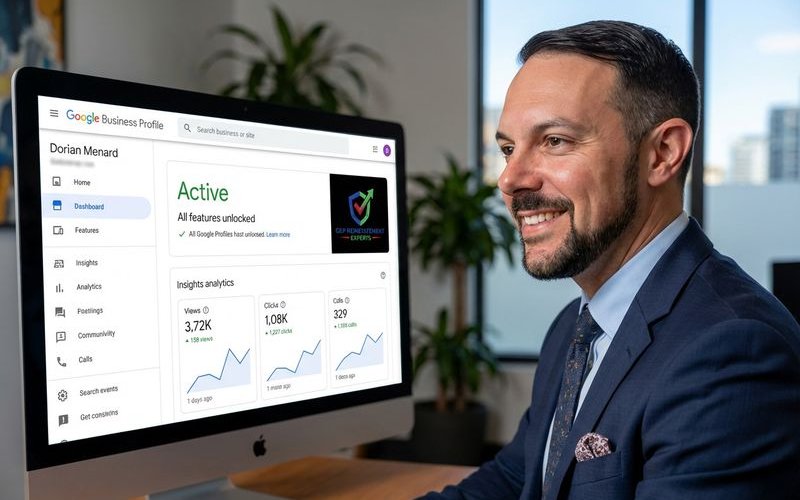
We have seen many business owners celebrate a reinstatement email only to realize their listing is still invisible on Google Maps. You need to confirm the profile is actually live and functional before assuming you are in the clear.
Check that:
- Your listing appears in Maps search
- All information is accurate
- You can make edits in the dashboard
- Reviews are accessible
- Posts can be created
2. Don’t Make Changes Yet
Resist the urge to immediately update or optimize. Your profile is under scrutiny after reinstatement. Wait at least 1-2 weeks before making any non-essential changes.
3. Document the Reinstatement
Save:
- Confirmation emails
- Current profile screenshots
- What you submitted in your appeal
- Timeline of the process
First Week Actions
Update Only Critical Information
If anything is wrong, fix only:
- Incorrect phone number
- Wrong business hours
- Broken website link
Make ONE change at a time.
Monitor for Issues
Watch for:
- Unexpected verification requests
- Changes you didn’t make
- Status notifications
- Duplicate listing alerts
Secure Your Account
- Change passwords
- Review access permissions
- Enable 2-factor authentication
- Remove unnecessary users
First Month Actions
Gradual Optimization
After the first couple weeks, carefully:
- Add missing photos (one set at a time)
- Create posts
- Respond to any pending reviews
- Complete missing profile sections
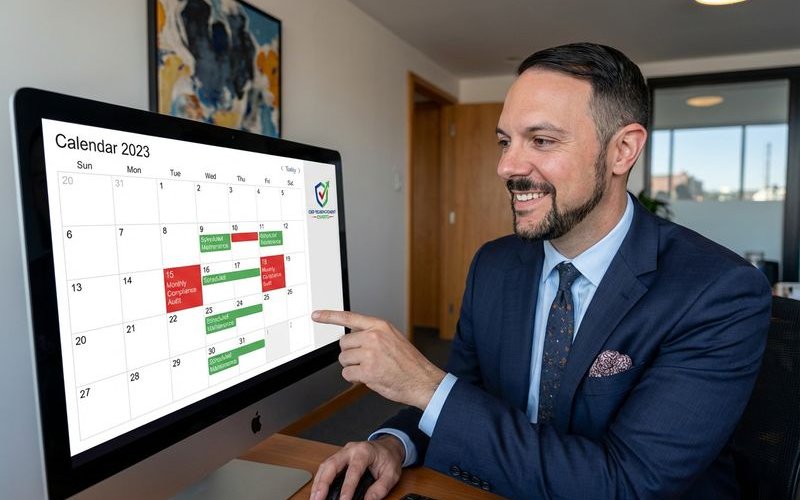
Establish Compliance Processes
Create routines for:
- Monthly profile audits
- Citation monitoring
- Review response protocols
- Change documentation
Address Root Causes Permanently
If your suspension was caused by:
- Name issues: Ensure legal name is used everywhere
- Address problems: Verify all citations match
- Category errors: Confirm services match categories
- Data inconsistencies: Audit all online mentions
Ongoing Maintenance
Monthly Tasks
- Audit profile accuracy
- Check for unauthorized changes
- Verify citation consistency
- Review analytics for issues
- Update hours/services as needed
Quarterly Tasks
- Comprehensive compliance review
- Citation audit across major platforms
- Review and update photos
- Assess category accuracy
What Not to Do
Avoid These Common Mistakes
- Aggressive optimization: Adding keywords to name
- Bulk changes: Making many edits quickly
- Ignoring warnings: Dismissing Google notifications
- Complacency: Assuming it won’t happen again
- Incomplete fixes: Only partially addressing issues
Building Long-Term Resilience
Create Documentation
Maintain records of:
- Business registration documents
- Address verification
- Category justification
- Change history
Develop Response Plans
Know what you’ll do if:
- You receive a suspension notice
- Someone claims your listing
- You need to make risky changes
- You spot compliance issues
Stay Informed
Follow updates about:
- Google’s GBP guidelines
- Policy changes
- Common suspension causes
- Industry-specific requirements
Your reinstatement is a second chance. Using it wisely keeps your business visible to the customers who need you. Want ongoing guidance? Our free audit can assess your current compliance status.
GBP Reinstatement Experts
Our team of GBP reinstatement experts has helped over 12,500 businesses recover their suspended Google Business Profiles.
Learn more about our team →