Stuck in a GBP Appeal Loop? Here's How to Escape
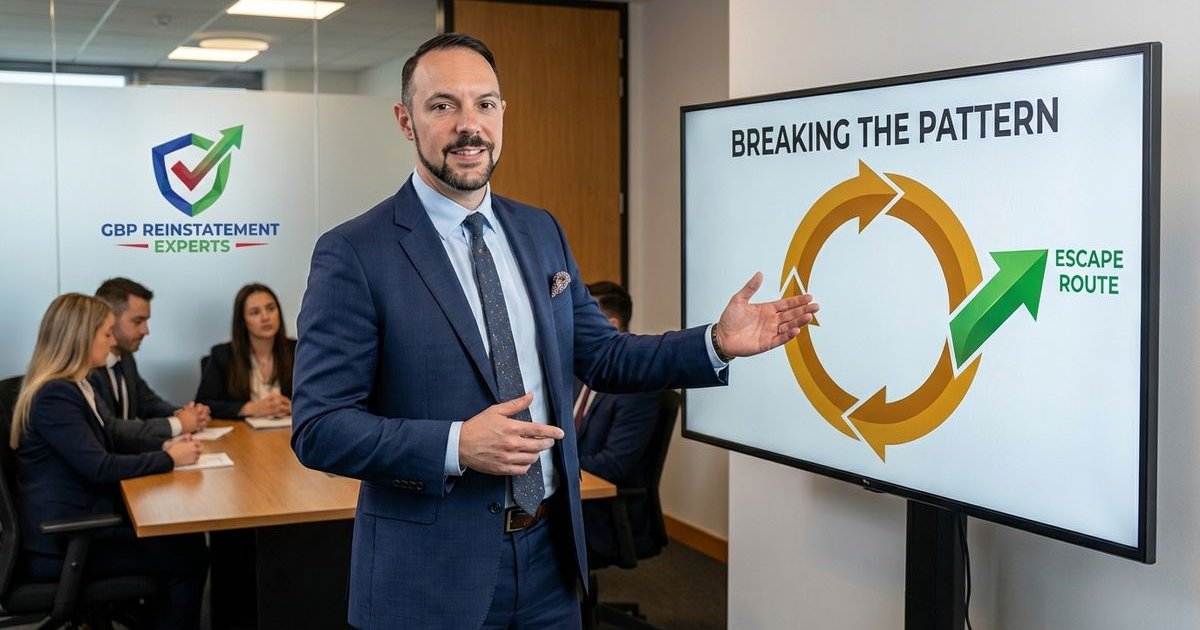
Stuck in a GBP Appeal Loop? Here is how we break out.
You have submitted multiple appeals. Each one gets rejected with the same generic response. We know the feeling because we see it constantly. You have tried every fix you can think of, but the result is always “Not Approved.” Welcome to the GBP appeal loop—and here is how we escape it.
Recognizing the Appeal Loop
From our experience, the loop isn’t just a delay; it is a specific automated trap. You are in an appeal loop when:
- Multiple appeals receive identical “Policy Violation” rejections within minutes.
- The rejection email does not address your specific situation.
- You have fixed obvious issues like address formatting but still get denied.
- Responses come suspiciously fast, suggesting no human actually looked at your proof.
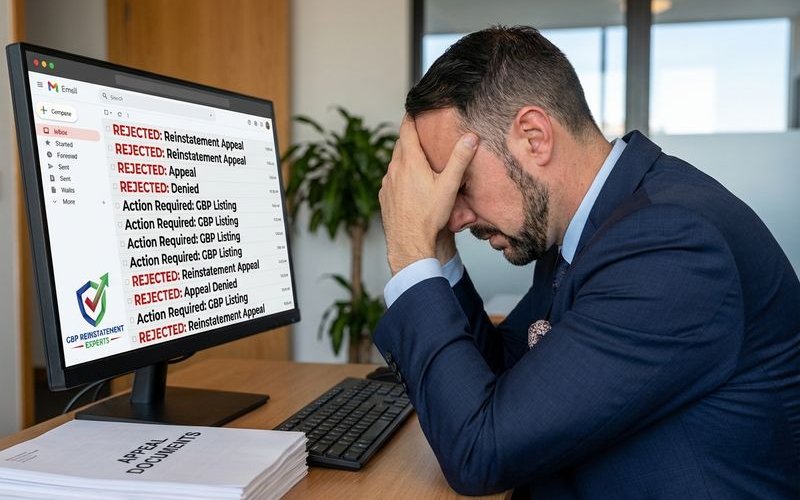
This is common in 2026. The system is designed to reject anything that doesn’t match a perfect data pattern.
Why Loops Happen
Automated Processing
Most appeals are handled by automated systems, not humans. These systems:
- Check for specific violation patterns using AI models.
- Compare your data against third-party sources like Secretary of State filings.
- Flag anything suspicious, such as a residential address listed as a storefront.
- Do not understand nuance or context.
Unfixed Root Issues
Sometimes the actual problem isn’t what you think. We often find the rejection is triggered by “invisible” fields. The system keeps rejecting the appeal because a hidden field, like your service area radius or a prohibited word in your business description, is still triggering the spam filter.
Account-Level Flags
If your Google account has been flagged for suspicious behavior, individual appeals may be automatically denied. This often happens if the email managing the profile has also managed other suspended listings.
Escape Strategies
Strategy 1: The Audit & Cool Down
Instead of tweaking one thing and immediately re-submitting, we recommend a full stop.
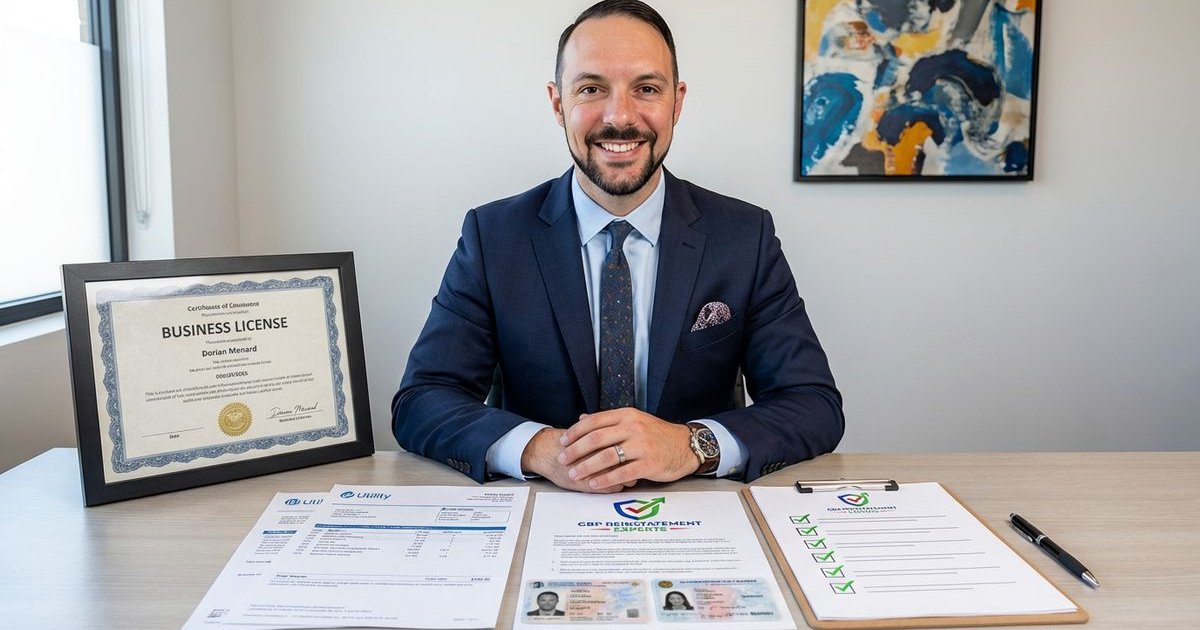
- Document everything currently wrong. Check your profile against your actual business license.
- Fix ALL issues comprehensively. Ensure your Name, Address, and Phone (NAP) match your utility bills exactly, character for character.
- Wait 3-5 days. We call this the “cool down” period. It allows the system to cache your changes before you trigger another review.
- Submit a completely fresh, detailed appeal.
Strategy 2: Evidence That Actually Works
Providing the wrong evidence is the most common reason for rejection. We use this checklist to ensure our clients submit proof that the system respects.
| Evidence Type | What Google Wants (Strong) | What Gets Rejected (Weak) |
|---|---|---|
| Business License | Official Secretary of State filing or Business License with matching address. | Tax ID request forms or handwritten permits. |
| Utility Bill | Electric, Gas, or Water bill dated within the last 90 days. | Mobile phone bills, insurance invoices, or bank statements. |
| Physical Proof | Photos of permanent signage, tools of the trade, and the street number. | Business cards, flyers, or photos of a laptop in a kitchen. |
Pro Tip: You must upload your evidence within 60 minutes of opening the form in the Appeals Tool. If you take longer, the system often times out and submits the appeal without your attachments.
Strategy 3: Manual Escalation
When standard appeals fail, you need a human. Our manual escalation service uses pathways designed to get your case in front of actual Google reviewers.
- Seek pathways to human reviewers. You cannot call Google, but you can use the “Need More Help” forms if available in your dashboard workflow.
- Use the Community Forum. Post your case on the official Google Business Profile Help Community.
- Request Product Expert Escalation. Product Experts (PEs) are volunteers who can sometimes escalate stuck cases directly to the internal team.

Strategy 4: Start Fresh
In some cases, especially for newer businesses, the profile ID itself is burned.
- Create a completely new Google account (new email).
- Wait several months before attempting verification.
- Submit a fresh verification request with a clean digital footprint.
This is a last resort. You will lose your reviews and ranking history, so we only advise this if the original profile is permanently disabled.
What NOT to Do
- Don’t spam appeals. Submitting multiple times a day triggers a spam flag that makes reinstatement nearly impossible.
- Don’t use identical appeals. Exact copies get filtered out by the system.
- Don’t contact irrelevant support. Ads support cannot help with GBP suspensions.
- Don’t threaten or berate. It doesn’t help and may hurt your chances if a human finally reviews your case.
Signs You Need Professional Help
Consider expert assistance when:
- Three or more well-prepared appeals have failed.
- You are losing significant revenue every day the profile is down.
- The issue seems to be account-level or technical.
- You have exhausted every DIY option in the Appeals Tool.
Breaking free from appeal loops often requires approaches that aren’t available to general users. We find that sometimes, it just takes the right evidence presented in the exact format the internal team requires.
Conclusion
Getting stuck in a GBP appeal loop is draining. It feels personal, but it is almost always a data mismatch.
Start by auditing your documents against your profile. Wait for the cool-down period. Then, submit a single, comprehensive appeal with the strong evidence we listed above.
If that fails, use the community forum to get a human set of eyes on your case. You can break the loop, but it requires patience and precision. Get a free audit to identify exactly what’s keeping you stuck.
GBP Reinstatement Experts
Our team of GBP reinstatement experts has helped over 12,500 businesses recover their suspended Google Business Profiles.
Learn more about our team →