Service Area Business GBP Suspensions: Causes and Solutions
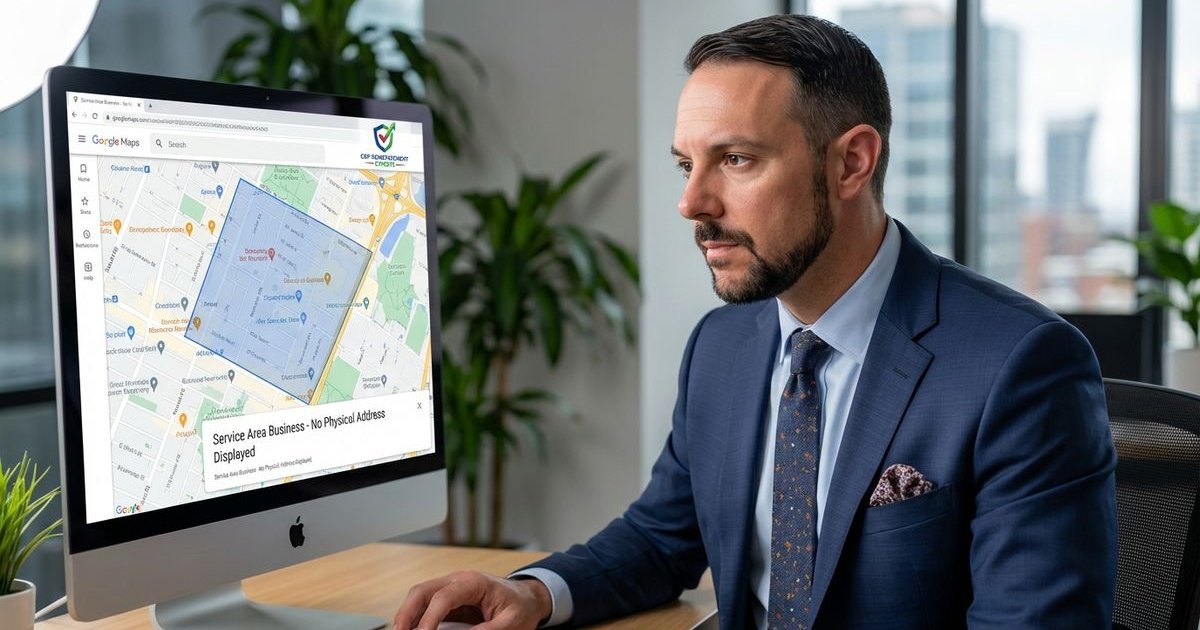
Service area businesses (SABs) face a distinct set of hurdles with Google Business Profile that brick-and-mortar stores never see. We often hear from panic-stricken business owners who wake up to find their listing suspended and their phone silent.
The rules for plumbers, electricians, and cleaning services are strict.
We know how frustrating it is to see competitors breaking the rules while you get flagged for trying to be honest.
This guide breaks down the specific compliance triggers for 2026 and how to fix them.
The Distinct Nature of Service Area Businesses
Service area businesses operate differently because you go to the client rather than the client coming to you. We define an SAB as any business that visits customers at their locations.
This distinction changes how Google views your verification data.
Our team has noticed that Google places a higher burden of proof on these profiles to prevent lead-generation spam.
You must understand three core requirements to stay safe:
- Customer Interaction: You must meet customers face-to-face.
- Staffing: You must have your own employees (not just sub-contractors).
- Service Radius: You must operate within a 2-hour driving distance of your base.
Why Suspensions Actually Happen
The Virtual Office Trap
We see more suspensions from address violations than any other cause.
Google has declared war on virtual offices.
Our data indicates that using a UPS Store, P.O. Box, or a “virtual desk” at a co-working space like Regus or WeWork is an almost guaranteed suspension trigger in the US.
You cannot use these locations even if you pick up mail there.
The 2-Hour Driving Rule
We frequently correct profiles that claim unrealistic service areas.
A common mistake is selecting entire states or counties that are hundreds of miles wide.
Our experience confirms that Google’s guidelines explicitly limit service areas to a 2-hour driving radius from where your business is based.
If you claim a service area that takes four hours to drive across, the algorithm flags the listing as spam.
Inconsistent Name and Category Data
We advise clients to match their Secretary of State filing documents exactly.
Business names that include “keyword stuffing” are high-risk.
If your legal name is “Smith Electric” but your Google Profile says “Smith Electric & 24/7 Emergency Repair,” you are inviting a suspension.
Duplicate Listings
We often find business owners creating multiple listings to dominate a city map.
This tactic worked in 2018, but it does not work today.
Google tracks your IP address, phone number, and website footprint.
If you create three listings for the same business in different suburbs, they will likely all be suspended simultaneously.
Configuring Your SAB for Compliance
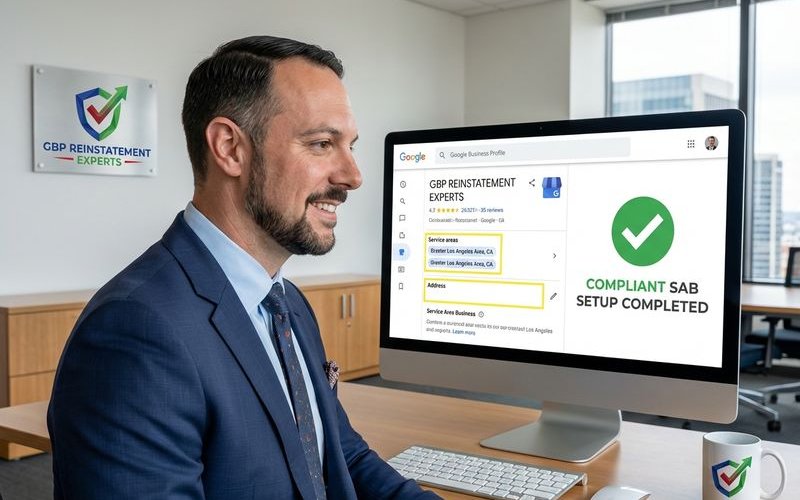
Step 1: Honest Address Entry
We start every setup by entering the actual physical location where the business owner or registered agent sits.
This is usually your home address if you are a small operator.
You must enter this address for verification purposes, even though the public will not see it.
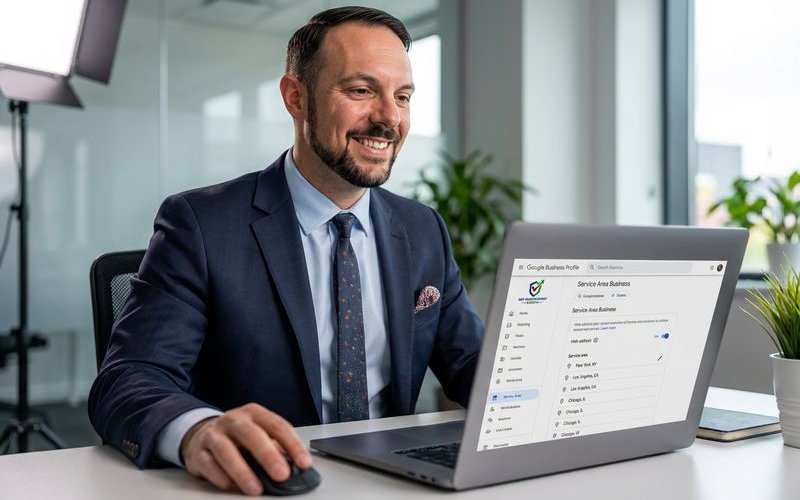
Step 2: Toggling the Visibility
Our process involves a specific setting configuration to hide residential data.
- Input the street address.
- Select “Yes” for “I deliver goods and services to my customers.”
- Critical Step: You must leave the “storefront” option unchecked if you do not have permanent signage and staff at your home.
Step 3: Setting Realistic Boundaries
We recommend using specific zip codes or city names rather than broad county definitions.
This precision signals to Google that you know your local market.
Select the 10-15 zip codes where 80% of your revenue comes from.
Comparison: Safe vs. Risky SAB Practices
| Feature | Safe Practice (Green Light) | Risky Practice (Red Light) |
|---|---|---|
| Address | Home address (hidden) | UPS Store or Virtual Office |
| Radius | 20-30 miles (approx. 2 hours) | Whole state or 3+ hours driving |
| Name | Exact legal DBA name | Name + Keywords + City Name |
| Phone | Local area code number | Call tracking or 1-800 number only |
The Video Verification Standard
We have transitioned almost entirely to video verification support in the last year.
Postcards are becoming rare for service area businesses in the US.
Our team prepares clients to record a continuous, uncut video that proves the business exists.
You will likely need to show:
- The Vehicle: A branded truck or van with permanent signage (magnets often fail).
- The Tools: Opening the back of the van to show expensive, trade-specific equipment.
- The Access: Unlocking the vehicle or the home office door to prove you have keys.
- The Business Proof: A business card, license, or branded payment terminal.
Documentation You Need Before Appealing
If your listing is suspended, do not hit the “appeal” button immediately.
We call this the “panic appeal,” and it usually leads to a rejection.
Our protocol requires gathering specific evidence to upload with your reinstatement form.
The “Must-Have” Evidence List
- Utility Bill: A gas, electric, or internet bill matching the hidden address exactly.
- Business License: Your active state or county registration.
- IRS Letter: An SS-4 form confirming your EIN and address.
- Vehicle Registration: Proof that your work truck is registered to the business.
Execution Plan for Reinstatement
- Audit the Info: Log in and ensure your address, name, and categories match your paperwork exactly.
- Delete the Fluff: Remove any service areas that exceed the 2-hour driving limit.
- Prepare the Drive: Upload your business license and utility bill to a Google Drive folder.
- Submit the Form: Use the official Google Business Profile reinstatement tool.
- Wait for the Email: Watch your inbox for a request for more info or a video call.
We find that most honest businesses can recover their listings within 2 to 3 weeks if they have this documentation ready.
It takes patience, but following the rules is the only way to build a sustainable presence. If you need help navigating the SAB reinstatement process, our free audit can identify exactly what needs to be fixed.
GBP Reinstatement Experts
Our team of GBP reinstatement experts has helped over 12,500 businesses recover their suspended Google Business Profiles.
Learn more about our team →