How to Prevent Google Business Profile Suspension
Prevention is far better than recovery when dealing with local search visibility. Our compliance support team has seen firsthand how a single suspension can cost a company weeks of revenue and customer trust.
How to prevent Google Business Profile suspension is the most critical operational question for local marketers and business owners in 2026.
Our team has handled hundreds of reinstatement cases, and the pattern is always the same.
Most suspensions are triggered by simple, avoidable data mismatches.
We want to help you avoid that stress entirely.
Let’s look at the exact compliance standards you need to meet and the practical steps to protect your listing.
Core Prevention Principles
1. Accurate Business Name
We see more suspensions triggered by “keyword stuffing” in business names than any other factor.
Your business name on Google must match your real-world signage and legal documents exactly.
Our experts warn against adding descriptors like “best,” “affordable,” or city names unless they are part of your legal DBA (Doing Business As).
The Rule of Consistency:
- Allowed: “Smith & Sons Plumbing” (If that is on your truck/license).
- Prohibited: “Smith & Sons Plumbing - Emergency Repair Denver.”
If you operate as a franchise or have multiple practitioners, the naming convention must be uniform.
Legal documentation is your safety net.
We recommend keeping a copy of your business license or IRS EIN letter handy in case Google requests proof of your name.
2. Legitimate Business Address
Address compliance is where Google’s filters are most aggressive, especially in the United States.
We frequently see profiles suspended for using UPS Stores, P.O. Boxes, or “virtual offices” without permanent staff.
A legitimate address must be a physical location where customers can find you during stated hours.
Address Type Comparison
| Business Type | Requirement | Common Violation |
|---|---|---|
| Storefront | Permanent signage, staff present during hours. | Co-working space with no private office. |
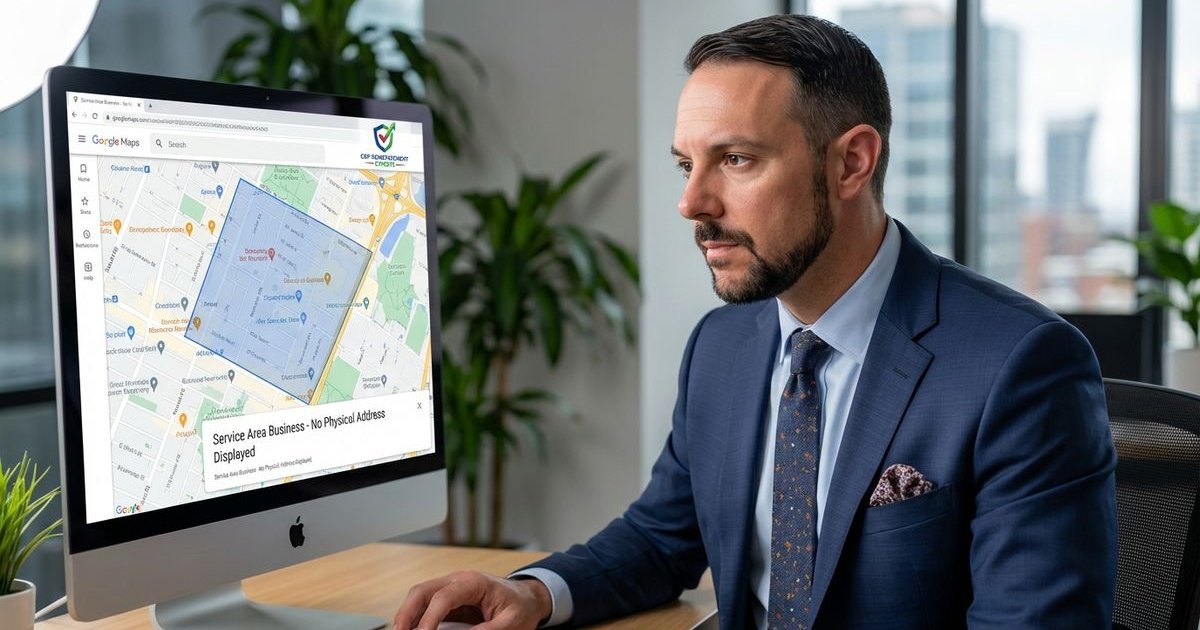
| Service Area Business (SAB) | Address hidden from public view. | Showing home address on the map. |
| Hybrid | Staffed office + service delivery. | claiming “hybrid” without visible signage. |
3. Accurate Categories
We find that choosing the wrong primary category can confuse Google’s algorithm and flag your account.
You are allowed one primary category and up to nine secondary categories.
Our data indicates that the primary category holds the most weight for ranking, but it must describe what you are, not just what you do.
Strategic Selection:
- Primary: Be specific (e.g., “HVAC Contractor” rather than just “Contractor”).
- Secondary: Add supporting services (e.g., “Air Conditioning Repair Service”).
- Avoid: Categories that don’t apply to your core business model.
4. Honest Information
We strictly advise against “aspirational” listing details.
Every piece of data on your profile must be verifiable by a third party or a Google manual reviewer.
Our experience confirms that consistency across the web (citations) builds the “trust score” that protects you from automated suspensions.
Specific Prevention Actions
Regular Audits
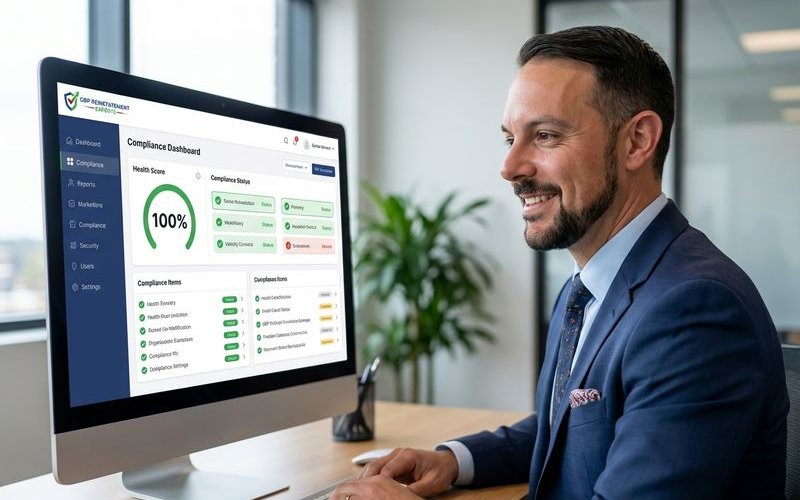
We recommend a brief monthly health check to catch unauthorized changes early.
Google Maps users can suggest edits to your profile, and sometimes Google accepts these changes automatically without notifying you.
Our team uses a simple protocol to verify profile integrity:
- Check the Name: Ensure no keywords were added by competitors or well-meaning users.
- Verify Hours: Confirm holiday hours are set to avoid “temporarily closed” flags.
- Test the Website Link: Broken redirects can trigger safety filters.
- Review Service Areas: Ensure your radius doesn’t exceed 2 hours of driving time.
Citation Consistency
We cannot overstate the importance of NAP (Name, Address, Phone) consistency.
Major data aggregators like Data Axle and Neustar Localeze feed information to Google.
Our analysis shows that if these trusted sources have your old address, Google may suspend your profile due to “conflicting data.”
Critical Citation Sources to Monitor:
- Secretary of State business registry.
- Better Business Bureau (BBB).
- Industry-specific directories (e.g., Avvo for lawyers, Houzz for contractors).
- Your website footer.
Safe Editing Practices
We have identified a “cool-down period” as a best practice for making profile updates.
Rapid, bulk changes to sensitive fields (phone number, address, category) often look like account hijacking to Google’s security bots.
Our procedure for making major updates involves patience and documentation.
The “Safe Edit” Protocol:
- Change one core element at a time.
- Wait 3-7 days before making another major change.
- Update your website and other citations before updating Google.
Review Management
We urge you to take the Federal Trade Commission (FTC) guidelines on reviews seriously.
In 2026, the FTC and Google are cracking down heavily on review gating (asking only happy clients for reviews) and fake engagement.
Our clients are advised to never incentivize reviews with gifts, money, or discounts, as this violates federal law and Google policy.
Handling Reviews Correctly:
- Ask: “We’d love your feedback on our work.”
- Don’t Ask: “Leave us a 5-star review for $10 off.”
- Respond: Reply to every review, good or bad, to show activity.
Access Control
We have seen businesses lose their profiles because a former employee maintained access and made malicious edits.
Your “Site Manager” list should be as clean as your payroll.
Our recommendation is to audit your user list quarterly and remove anyone who no longer needs access.
User Role Best Practices:
- Primary Owner: The business owner only.
- Manager: Trusted marketing agencies or general managers.
- Site Manager: Staff who post photos or reply to reviews.
Warning Signs to Watch
We train our clients to recognize the subtle indicators of a looming suspension.
Often, a profile will experience “soft” restrictions before a full takedown occurs.
Our team looks for these specific red flags:
- Pending Edits: Changes that sit in “Pending” status for more than 3 days.
- Verification Loops: Google asking you to re-verify your already verified business.
- Email Alerts: Notifications with subject lines like “Your Business Profile has been updated.”
- Visibility Drops: A sudden, unexplained crash in calls or direction requests.
After Reinstatement
We emphasize that a reinstated profile is on “probation” in the eyes of the algorithm.
If you have recently recovered a suspended profile, your trust score is reset to zero.
Our advice is to tread lightly for at least 90 days.
Post-Recovery Protocols:
- Document Everything: Keep a log of the error that caused the suspension.
- Freeze Core Data: Do not change your name, address, or phone number for 6 months unless absolutely necessary.
- Monitor Weekly: Increase your audit frequency.
- Backup Content: Save copies of your photos and posts locally.
Prevention Checklist
We use this final checklist to ensure all bases are covered.
- Business name matches legal DBA exactly.
- Address is a physical location or hidden (if SAB).
- Primary category describes the business accurately.
- Service area is within a 2-hour driving radius.
- Website footer matches GBP data perfectly.
- No former employees have “Owner” access.
- No review gating or incentivized feedback.
- Citations on BBB and Data Axle are correct.
- A monthly audit schedule is in place.
Following these practices significantly reduces your suspension risk and keeps your business visible to local customers. Want an expert review of your profile’s compliance status? Get a free audit to identify potential risks before they become problems.
GBP Reinstatement Experts
Our team of GBP reinstatement experts has helped over 12,500 businesses recover their suspended Google Business Profiles.
Learn more about our team →